









14 hours ago
Using AquaShell to create a Visual Novel Game 🎮

A few weeks ago, I was thinking about creating an educational game on mental health awareness. I then realized that visual novels are a great choice for such endeavors.

I installed Ren'Py, a python based visual novel game engine. It was very easy to quickly make progress with a game prototype. But then I stopped and asked myself if my self-made programming language has matured enough to power visual novel games.

A day later I turned this question into action and started building. I decided to make a demo sample game with all the most important aspects of a visual novel:
- Background image handling
- Character handling
- Dialog management
- Narrator management
- User prompts
- Sprite animations
- Audio management
# Scene: train

function Scene_Train_Step_Phrase1 void()
{
    call SCMGR_SetDialog("narrator", "Quick now! It's 10 minutes before 5:00 pm!|You surely don't want to miss the programming class!");
};

function Scene_Train_Step_Phrase2 void()
{
    call SCMGR_SetDialog("narrator", "Usually you don't get late, but this time was tough.|Normally you'd be taking the previous train.|But of course, it was canceled by the operating railway company.");
};

function Scene_Train_Step_Phrase3 void()
{
    call SCMGR_SetDialog("narrator", "Still, you're looking forward for today's programming class, sponsored by your employer.|It's pretty nice having educational classes on the same office campus.|But since you've been working from home today, you need to take the train, as the class happens in-person.");
};

function Scene_Train_Step_Phrase4 void()
{
    call SCMGR_SetDialog("narrator", "In today's class they are giving an introduction to the AquaShell Scripting environment.|This is a great opportunity to learn more about it.");
};

function Scene_Train_Step_Phrase5 void()
{
    call SCMGR_SetDialog("narrator", "Finally, the train arrives and you're hastily heading over to the office campus...");
};

function Scene_Train_Load void()
{
    for (phrcnt, 1, 5, -inc, -eq) {
        call SCMGR_RegisterStep("Phrase%phrcnt") => void;
    };

    call SCMGR_SetSceneBackground("train day.png") => void;
    call SCMGR_SetMusicTheme("theme train.wav") => void;
};

function Scene_Train_Unload void()
{

};
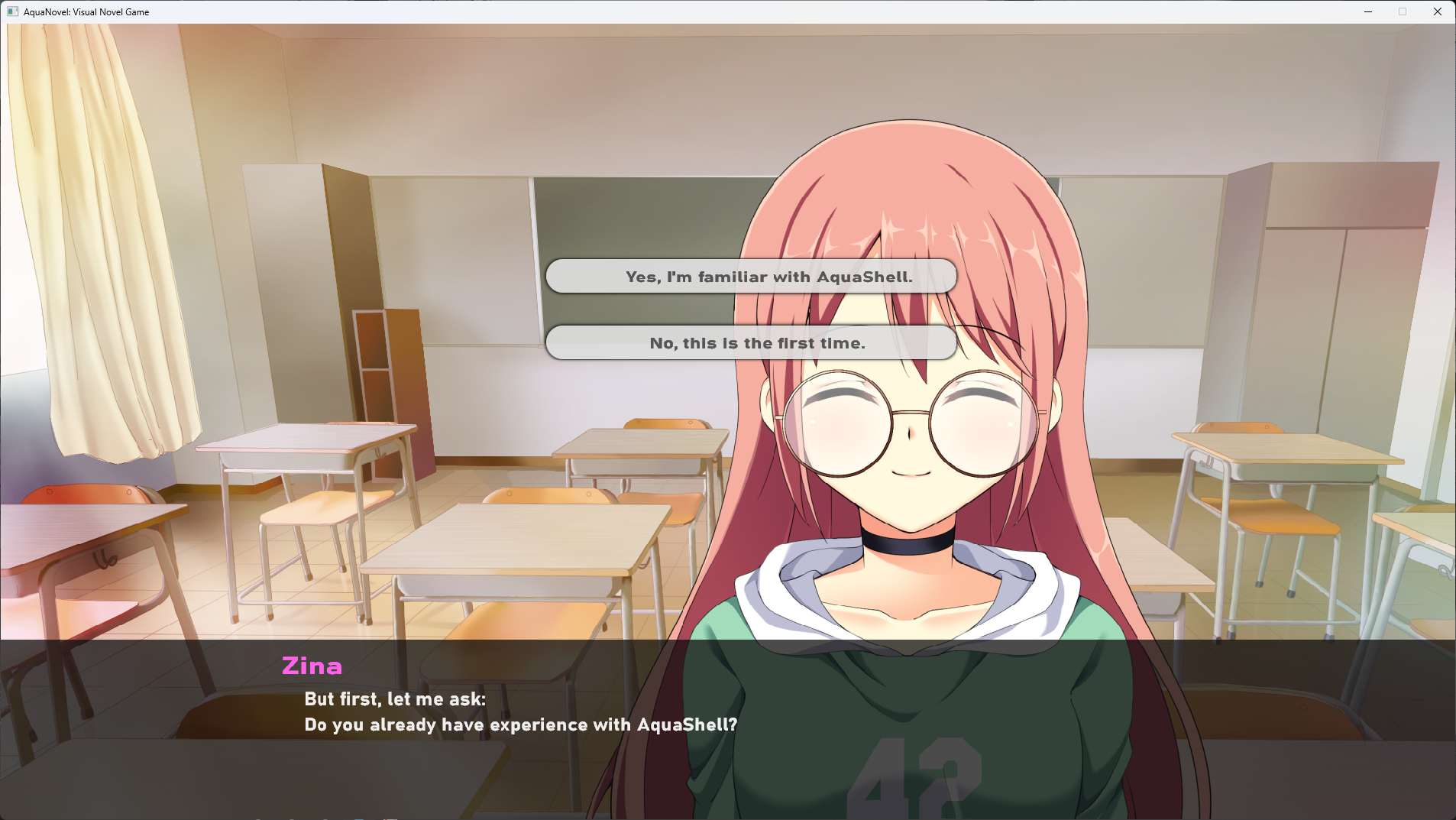
Here is an example showing user prompts from the classroom scene:
function Scene_Classroom_Step_Phrase6 void()
{
    call SCMGR_SetCharacterColor(255, 100, 235, 255) => void;
    call SCMGR_ShowCharacterFigure("zina", "smile", 700) => void;
    call SCMGR_SetDialog("Zina", "But first, let me ask:|Do you already have any experience with AquaShell?");

    call SCMGR_StartUserInteraction(300) => void;
    call SCMGR_AddInteractionOption("Yes, I'm familiar with AquaShell.") => void;
    call SCMGR_AddInteractionOption("No, this is the first time.") => void;
};

function Scene_Classroom_Step_Phrase7 void()
{
    local iLastInteractionResult int;

    call SCMGR_GetInteractionResult() => iLastInteractionResult;

    call SCMGR_SetCharacterColor(255, 100, 235, 255) => void;

    if (%iLastInteractionResult, -eq, 0) {
        call SCMGR_ShowCharacterFigure("zina", "laugh", 700) => void;
        call SCMGR_SetDialog("Zina", "That's great! Then you will most likely have an easy time today!");

        call SCMGR_SoundEffect("zina-chuckle.wav", %GLOBAL_VOLUME) => void;
    } else {
        call SCMGR_ShowCharacterFigure("zina", "smug", 700) => void;
        call SCMGR_SetDialog("Zina", "Ah, someone new to the matter...|Great! You will learn a lot today!");

        call SCMGR_SoundEffect("zina-okay.wav", %GLOBAL_VOLUME) => void;
    };
};
Last but not least, here is an example of drawing animated sprites as used in the outro scene:
function Scene_Outro_Step_Phrase4 void()
{
    set bInResourceStep <= true;

    call SCMGR_SetDialog("narrator", "Check out the following resources:|> www.aquashell-scripting.com|> github.com/danielbrendel/dnyAquaShell|> github.com/danielbrendel/dnyScriptInterpreter");
};

function Scene_Outro_Step_Phrase5 void()
{
    set bInResourceStep <= false;

    spk_setvoice "Microsoft Zira Desktop";
    spk_setvolume 100;
    spk_speakasync "Proceed to close the app.";

    call SCMGR_SetDialog("narrator", "(Proceed to close the app)");
};

function Scene_Outro_Draw void()
{
    if (%bInResourceStep, -eq, true) {
        dx.gfx.drawsprite %hSprLightFlare 200 790 0 %fLightFlareRotation 0.0 false 0 0 0 0;
    };
};

function Scene_Outro_MainLoop void()
{
    if (%bInResourceStep, -eq, true) {
        += fLightFlareRotation 0.05;
    };
};

function Scene_Outro_Load void()
{
    for (phrcnt, 1, 5, -inc, -eq) {
        call SCMGR_RegisterStep("Phrase%phrcnt") => void;
    };

    call SCMGR_SetSceneBackground("outro.png") => void;
    call SCMGR_SetMusicTheme("theme outro.wav") => void;

    dx.gfx.loadsprite "%szScriptPath/../assets/sprites/lightflare.png" 1 256 256 1 false hSprLightFlare;

    call SCMGR_EnableCustomDraw() => void;
    call SCMGR_EnableMainLoop() => void;
};
It took me only a very short time to finish the demo project. I'm actually amazed that the game runs very fluent, as opposed to the asteroids game. Seems like AquaShell could definitely be used to create full visual novel titles. Maybe I'll start making one and release it on Steam? I'll consider this idea and post an update here once I made a decision.
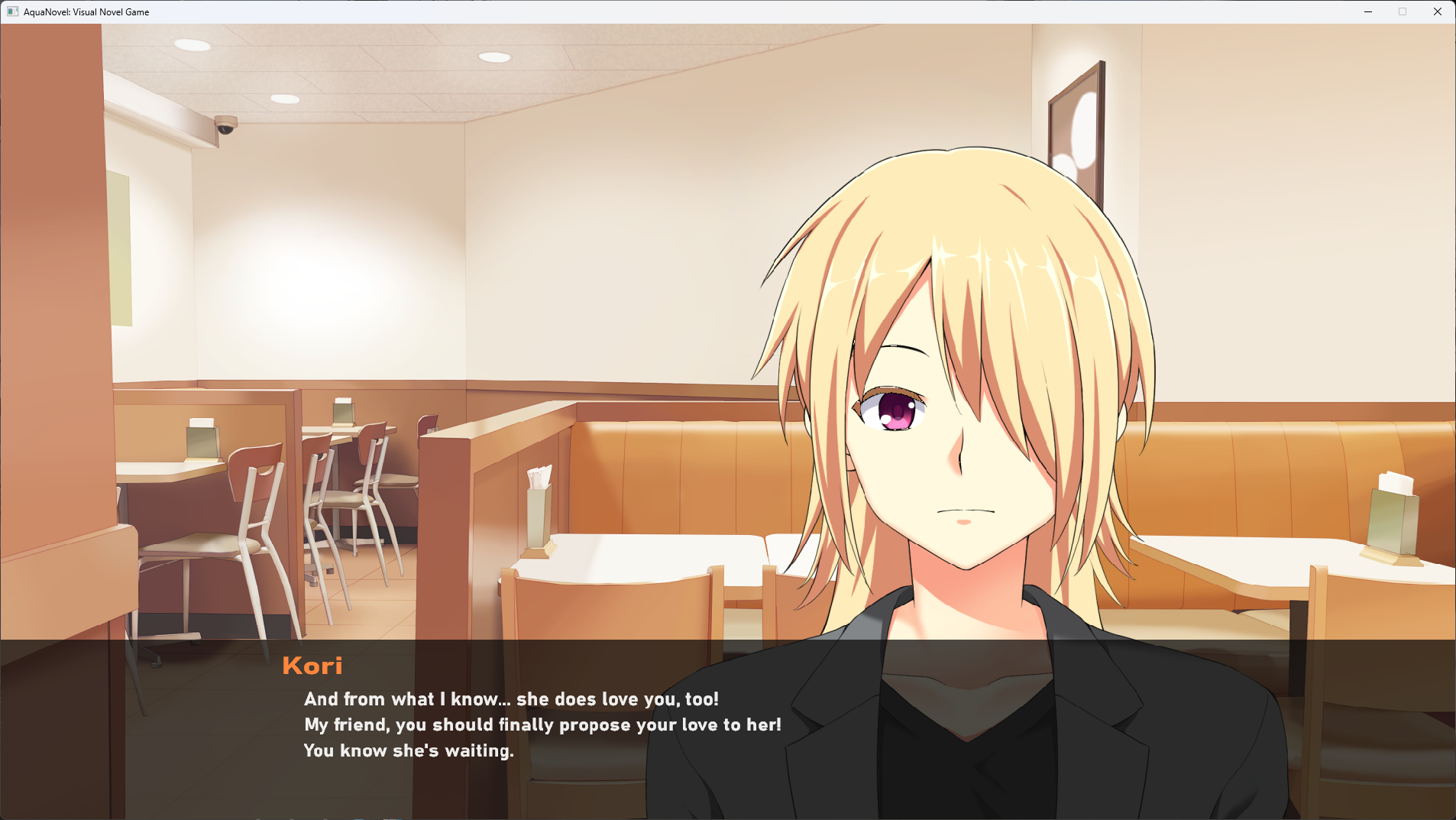
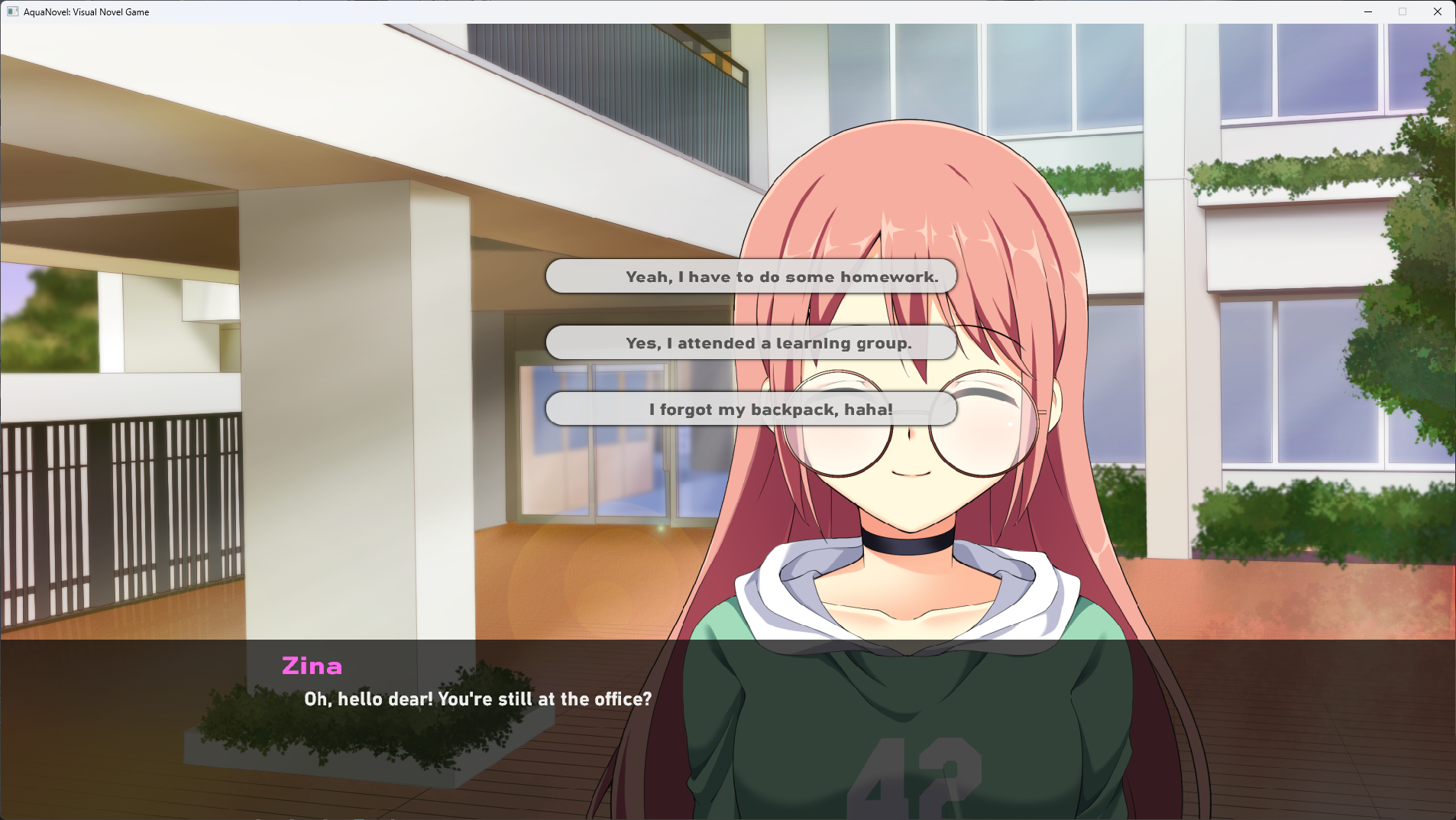
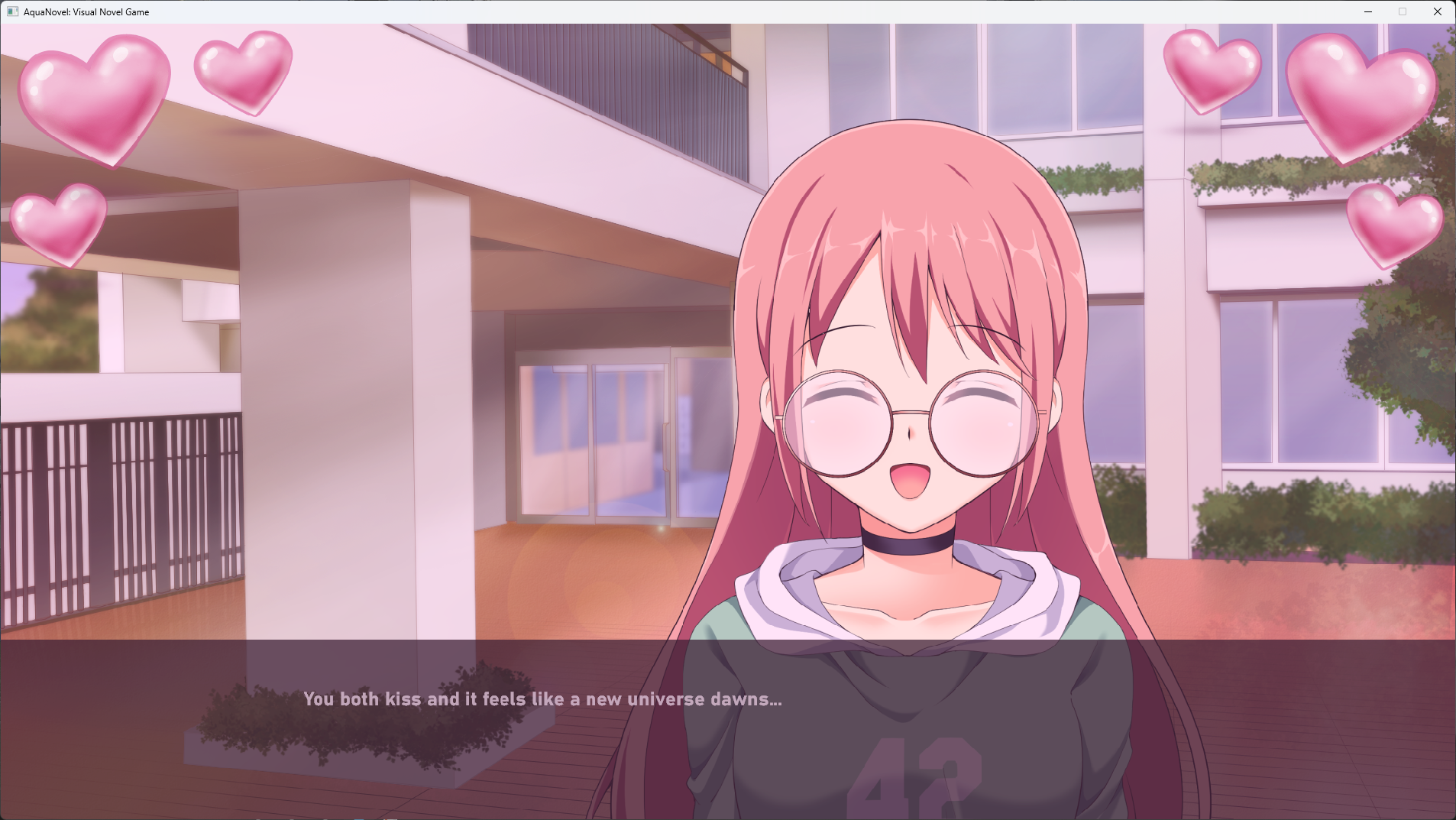
Anyways, here are some screenshots of the results: